Make an AI character video from text
With Cast you make an AI character video from text by picking or describing a character and typing one line about what happens; Cast expands the line into a full video prompt and animates your character's picture into a vertical 5, 10, 15-second clip with sound on MiniMax H3 Max Turbo. Live agent renders require purchased credits: a Standard video costs 1 credits for 5 seconds.
The three steps
- Who: pick a free pack character or describe your own in one sentence (1 credits, four looks to choose from).
- What: one line of text. Optionally a style, a camera and a vibe.
- Get it: the video lands in your private feed, usually in under half a minute (a group scene takes a few minutes).
What happens to your text
A short line is not enough for a video model, so Cast expands it with a built-in template (group scenes and Pro videos get a Claude-written prompt). Here is the real output for this input, generated by the same code Cast runs:
You type (Malfoid, Dark Fantasy, Selfie / Live, Comedy, 10 s):
reads her hate mail live at breakfast and one letter starts screaming at her
Cast sends to MiniMax H3 Max Turbo, with Malfoid's picture as the first frame:
Malfoid, already in shot in the first frame, reads her hate mail live at breakfast and one letter starts screaming at her, across 10 seconds in 3 clear beats with expressive face and body, hair and fabric moving naturally. Malfoid talks straight to the viewer, one or two short spoken lines in their own voice (sneering, proud, secretly soft-hearted), lip-synced, matching the action. Keep the face, hair and outfit exactly as in the first frame. Camera: one continuous take from the character's own phone held at arm's length, front-camera selfie framing, the arm and slight wobble of a real handheld phone, the character talks straight into the lens like a livestream, no cuts. Pacing: a setup beat, a hard pause, then an oversized reaction. Light: bright even daylight, clean saturated colour, no dramatic shadow. Look: Dark fantasy epic, gothic atmosphere, candle and moonlight chiaroscuro, drifting mist and embers, ornate weathered textures, deep jewel-tone shadows. Sound: Malfoid's voice clearly audible, with natural room tone and small real sounds from the action. Real-time motion, no slow motion. No on-screen text, subtitles, captions, logos, watermarks or interface overlays.
It keeps the identity of the first frame, has the character speak in their own voice, sets the camera, pacing and light from your picks, splits the clip into beats, and bans on-screen text. The prompt library shows what longer hand-written prompts look like.
Real results from text
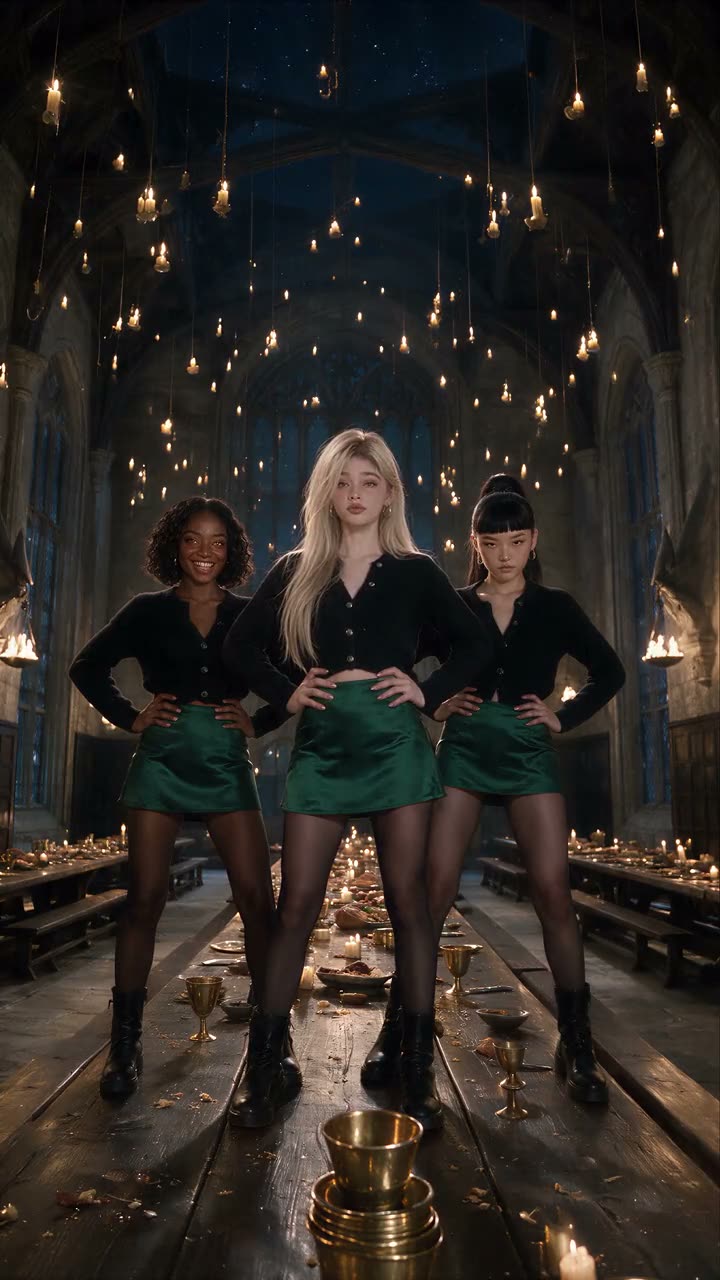 Malfoid and two friends dance on the feast tableDance to a song · 30s
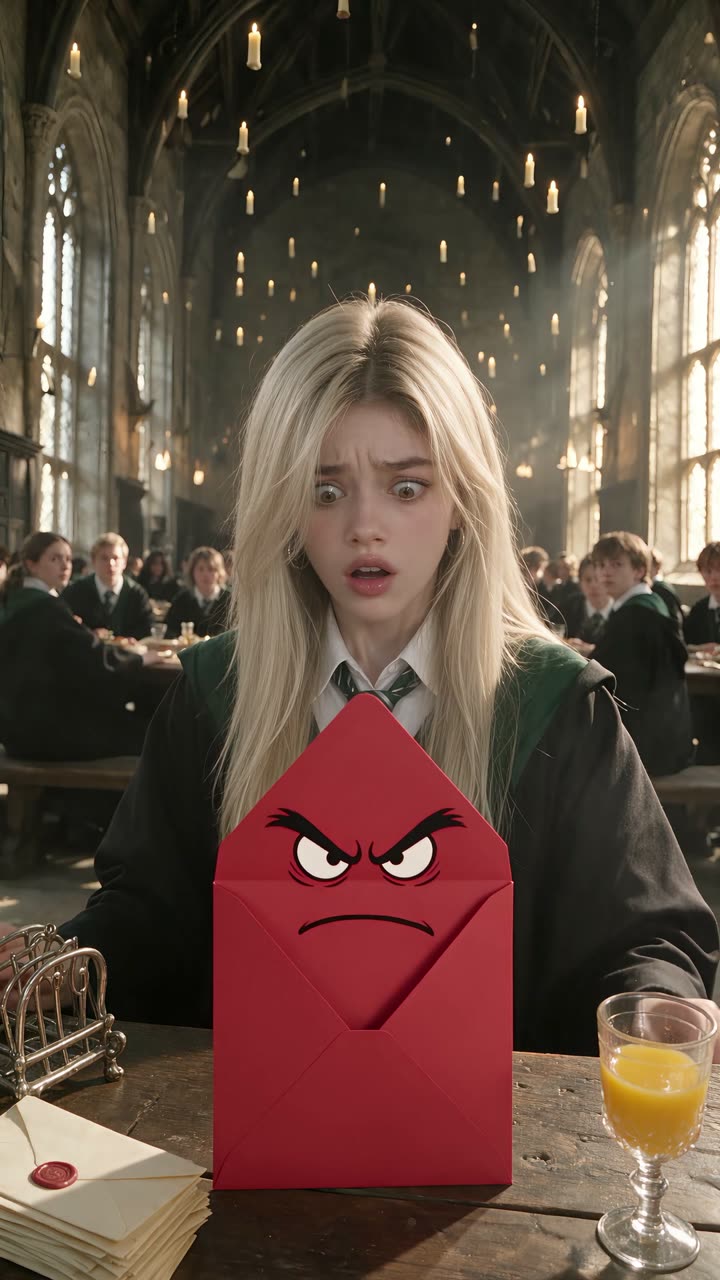 Malfoid reads her hate mail livePhone-POV livestream · 30s
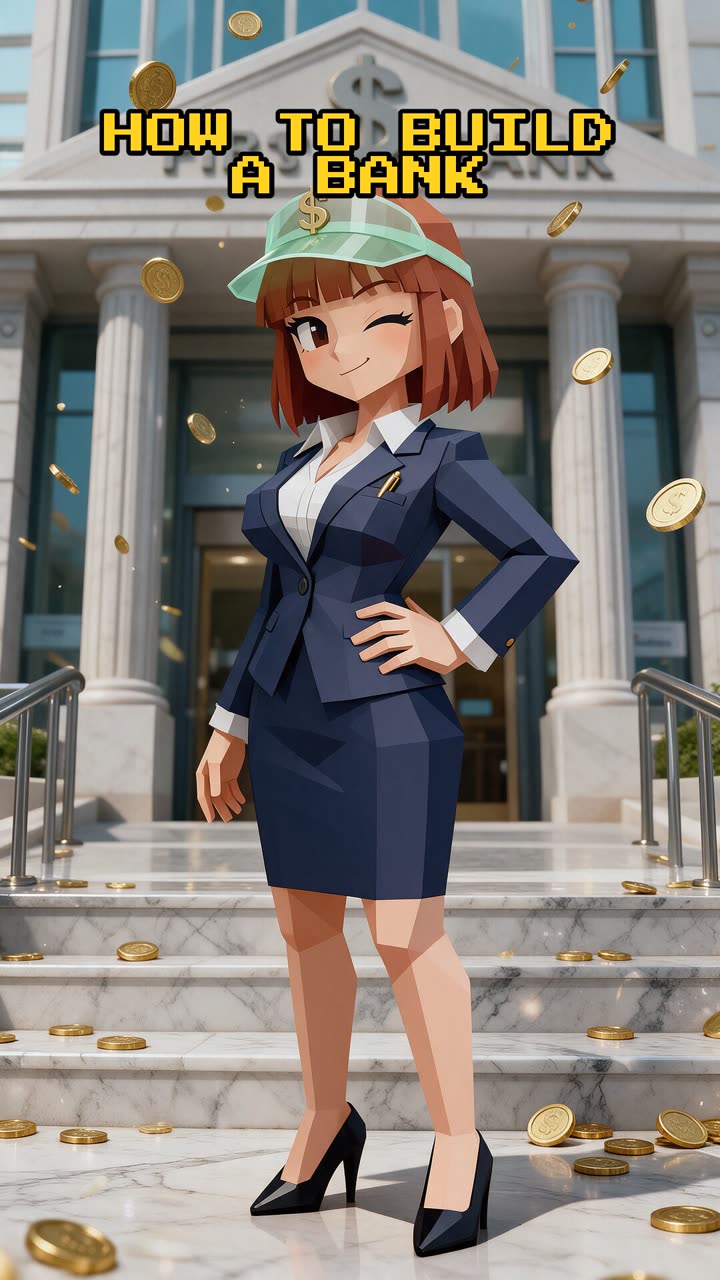 Penny explains how to build a bank from scratchExplainer · 82s
When Cast is not the right tool
- Text-to-video without a character, such as landscapes or product B-roll. Cast is built around characters.
- Precise control over every shot. One line gives you a good clip, not a storyboard.
- Videos with your own uploaded voice or footage.
Comparing tools? See Cast and its alternatives.
Quick answers
- How do I turn text into a video of a character?
- Pick a character (or describe one in a sentence), type one line about what they do, optionally choose a style, camera and vibe, and tap make. Cast writes the full prompt and renders the video.
- Which model turns the text into video?
- MiniMax H3 Max Turbo for Standard videos (480p, 768p on Premium), starting from your character's picture; ByteDance Seedance 2.0 Fast (720p) for group scenes; ByteDance Seedance 2.5 for Pro (1080p). Group and Pro prompts are expanded by a Claude model.
- Can I make my own character from text?
- Yes. Describe them in words; Cast draws four looks with Midjourney v8.2 for 1 credits and you pick one.
Updated